
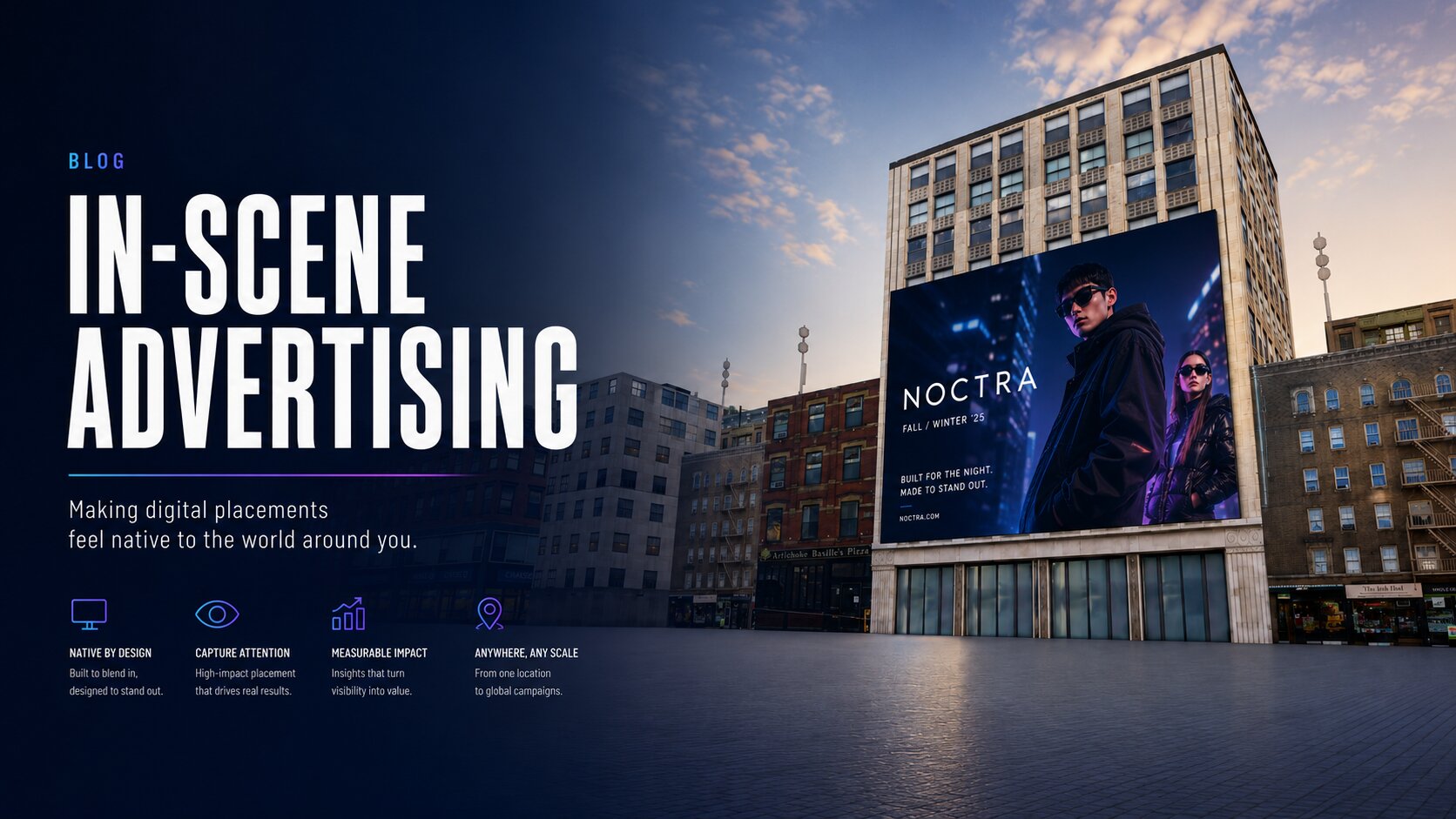
Introducing In-Scene Advertising for GEM
GEM’s in-scene advertising tools let creators place dynamic image and video ads directly inside interactive 3D environments. Campaigns, rigs, events, broadcast logs, and token estimates work together to make immersive advertising feel native, manageable, and measurable.
Introducing In-Scene Advertising for GEM
Advertising inside an interactive 3D world should feel like part of the experience—not a flat banner awkwardly layered on top of it.
That's the philosophy behind GEM's new In-Scene Advertising system.
Built specifically for immersive experiences, GEM gives project owners a complete toolkit for managing advertisers, scheduling creative, controlling placement delivery, and estimating usage costs from the same dashboard they already use to manage scenes, assets, audio, and publishing.
Whether you're building a virtual venue, interactive showroom, event space, educational campus, or branded world, GEM makes it possible to bring sponsored content directly into the environment while keeping everything organized and manageable.
Advertising Designed for Interactive Worlds
Traditional advertising platforms were built for websites. Interactive scenes have different requirements.
A billboard hanging inside a virtual arena, a poster on a wall, a digital kiosk in a campus tour, or a video display in an event hall all need to behave like natural parts of the world around them.
To support this, GEM separates advertising into three core components:
- Campaigns — who is advertising and when.
- Rigs — where and how content is delivered.
- Events — the actual media being shown.
This structure keeps advertiser management, runtime scheduling, and creative assets independent from one another, making campaigns easier to operate and scale.
Campaigns: Managing the Advertiser Relationship
Campaigns serve as the foundation of the advertising workflow.
Each campaign stores advertiser information, contact details, notes, status, and the overall timeframe for an advertising run.
Campaigns can move through a simple lifecycle:
- Draft
- Active
- Paused
- Completed
- Archived
This allows teams to prepare campaigns well before media is uploaded or placements are configured.
A project owner can create a campaign, collect creative requirements, discuss sponsorship details, and finalize schedules before connecting any runtime advertising placements.
Because campaigns are independent from media delivery, they provide a clean organizational layer that keeps advertiser information separate from technical implementation.
Rigs: Defining Runtime Delivery
Once a campaign exists, advertising placements are created using Rigs.
A rig acts as the runtime delivery schedule for an advertising location inside the scene.
Rigs control:
- Placement size
- Display cadence
- Active scheduling windows
- Runtime channels
- Broadcast behavior
This is where advertising becomes scene-aware.
Instead of thinking about a traditional webpage slot, teams can think about physical locations inside an experience:
- Billboards
- Posters
- Kiosks
- Arena signage
- Digital displays
- Wayfinding panels
- Interactive promotional spaces
To simplify creative production, GEM supports several common advertising formats:
Billboard 16:9
Perfect for large signs, digital displays, and roadside-style placements.
Square 1:1
Ideal for kiosks, posters, object-attached media, and compact signage.
Vertical 9:16
Designed for portrait-oriented displays and tall advertising panels.
Banner 4:1
Long horizontal placements often used in venues and event spaces.
Wide 3:1
A flexible format suited for wall displays, stadium signage, and large environmental branding.
Each format includes recommended dimensions and aspect ratios, helping designers create media that fits correctly before upload.
Events: The Creative Layer
Events contain the actual media displayed to visitors.
An event can represent:
- An image
- A video
- A scheduled promotion
- A rotating creative asset
Events inherit size requirements from their parent rig and can include additional settings such as:
- Active schedules
- Click-through behavior
- Display cadence
- Broadcast controls
- Rotation settings
Because events remain separate from campaigns and rigs, creative updates become much easier to manage.
Need to replace a sponsor image?
Simply update the event.
Need to temporarily disable a creative?
Pause the event without affecting the campaign or placement history.
This flexibility allows projects to evolve without requiring scene rebuilds or runtime changes.
Real-Time Broadcasting
When campaigns, rigs, and events are active, GEM uses its real-time infrastructure to distribute advertising content into running experiences.
As broadcasts occur, connected scene runtimes receive updated media payloads and refresh the appropriate placements automatically.
For visitors, this feels natural:
- A billboard changes to a new sponsor.
- A digital poster rotates to another campaign.
- A kiosk updates its promotion.
- A video panel begins displaying new content.
For project owners, the benefit is operational simplicity.
Creative updates can be managed from the dashboard without modifying scene code or republishing the experience.
Broadcast logs provide visibility into system activity, making it easy to monitor active campaigns, placements, and recent delivery history.
Built-In Usage Estimation
One of the most important parts of operating an advertising system is understanding cost before scaling.
GEM includes built-in token usage estimates directly within the advertising dashboard.
Estimates are calculated using factors such as:
- Active campaigns
- Project boots
- Active rigs
- Active media events
- Broadcast activity
Usage is presented in practical categories so project owners can understand exactly where consumption is occurring:
- Campaign activity
- Experience loads
- Broadcast delivery
This follows GEM's broader philosophy that platform costs should reflect actual platform services rather than fixed monthly pricing.
Projects can start small, measure activity, and scale placements as audience size grows.
A Typical Workflow
Getting started with in-scene advertising follows a straightforward process:
- Create a Campaign. Add advertiser information, campaign details, notes, and scheduling windows.
- Configure Rigs. Define where advertising appears, select placement sizes, and configure delivery cadence.
- Add Media Events. Upload image or video creative and activate the content that should rotate through each placement.
- Review Usage Estimates. Check projected token consumption before publishing.
- Monitor Activity. Use broadcast logs and campaign reporting to verify delivery and performance.
Where In-Scene Advertising Works Best
The most effective advertising placements are those that feel native to the environment.
Examples include:
- Sponsored signage inside virtual venues
- Product displays in interactive showrooms
- Video walls in event spaces
- Information kiosks in educational experiences
- Branded wayfinding throughout large virtual campuses
- Promotional panels inside entertainment worlds
The strongest results come when advertising supports the environment rather than interrupts it.
A well-placed billboard should feel like it belongs in the world. A kiosk should enhance discovery. A promotional display should contribute to the atmosphere instead of distracting from it.
GEM provides the scheduling, broadcasting, and management tools, while creators remain in control of the experience design.
Bringing Sponsored Content Into Interactive Spaces
GEM's In-Scene Advertising system was built to make immersive advertising practical, organized, and measurable.
Campaigns manage advertiser relationships.
Rigs define placement schedules and runtime behavior.
Events deliver the actual creative.
Broadcast logs provide operational visibility.
Usage estimates keep costs transparent before campaigns grow.
Together, these tools give creators a powerful way to introduce sponsored content into interactive worlds without rebuilding websites, modifying scene code, or hardcoding media changes into the experience.
As virtual spaces continue to evolve, advertising should evolve with them—and GEM is designed to help make that possible.
GEM